Write Every Word Correctly While You Type
Never send another message with spelling mistakes. AI English Spell Checker Keyboard corrects your spelling in real time, highlighting errors instantly and helping you write with confidence in messages, emails, and documents.
Everything You Need for Perfect Spelling
See Mistakes as You Type
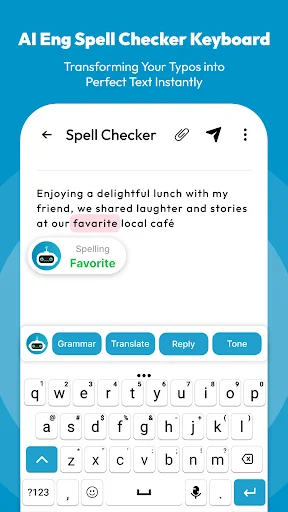
Red underlines appear instantly when you misspell a word, so you catch every error before sending your message or email.
Fix Errors in One Tap
Simply tap any underlined word to see accurate spelling suggestions and choose the correct one in seconds.
Learn Better Spelling Every Day
Each correction helps you remember the right spelling, so you naturally improve your English writing skills over time.
Works in Every App You Use
Type confidently in messages, emails, social media, and documents – your spelling checker follows you everywhere on your phone.
AI English Spell Checker Keyboard – Spelling Corrector App
AI English Spell Checker Keyboard is a easy-to-use spelling corrector app that checks your text instantly while you type. With this spell checker keyboard, you don't need to write first and check later. Every word is corrected in real time, so your messages, emails, and documents are always error-free.
Why Use AI English Spell Checker Keyboard?
Typing the wrong spelling can be frustrating, especially when sending professional emails, chatting with colleagues, or writing online. This English spelling checker keyboard highlights mistakes with a red underline and shows correct spelling suggestions when you tap the word. It improves your writing, helps you remember correct words, and makes communication more confident.
Key Features
- Real-time spelling check: Words are corrected instantly while typing.
- Red underline for errors: Wrong words are clearly marked so you don't miss them.
- One-tap correction: Tap the underlined word to see accurate spelling suggestions.
- Fast and reliable keyboard: Works as smoothly as your default keyboard.
- Learn correct spelling: Improve your English spelling every time you type.
- Helps students and professionals: Useful for education, job tasks, emails, and daily messages.
- Simple setup: Easy to install and activate with step-by-step instructions.
How It Works
- Install and activate the AI English Spell Checker Keyboard.
- Open any messaging or email app.
- Type normally. If a word is wrong, it will show a red underline.
- Tap the word and select the correct spelling from suggestions.
- Continue typing with confidence knowing your English spelling is always correct.
Perfect For
- Students learning English spelling.
- Professionals writing emails, reports, or messages.
- Anyone who wants fast and accurate spell checking on Android.
This English spelling corrector keyboard is lightweight, responsive, and designed to make writing easy. It not only corrects spelling mistakes but also helps you improve your vocabulary over time. Whether you are writing messages, emails, or documents, you can be sure your words are spelled correctly.
Download the AI English Spell Checker Keyboard today and write with accuracy, confidence, and ease.
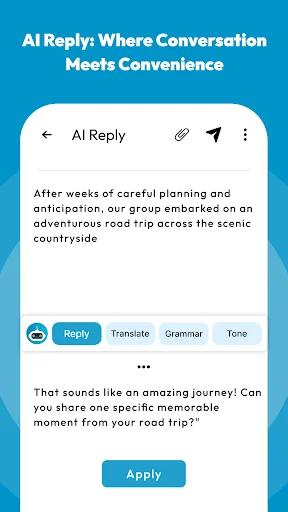
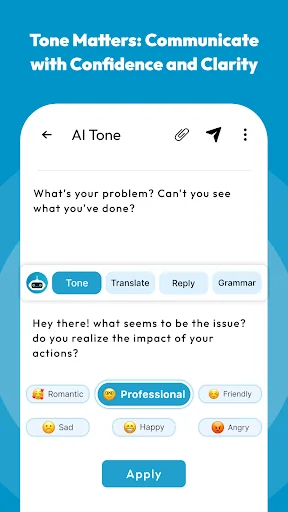
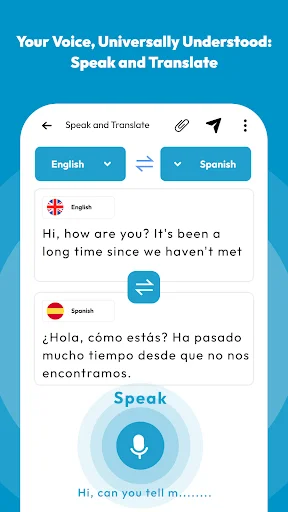
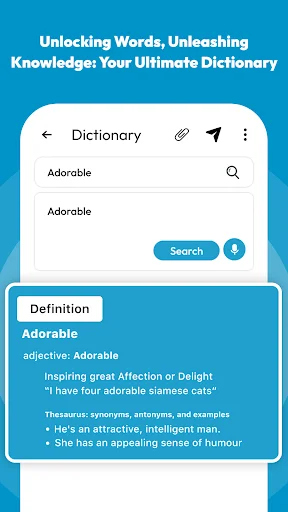
See How Easy Perfect Spelling Can Be
Join 500,000+ Users Writing With Confidence
I love this app. I have never had any problems with it.. It's is amazing. This app has 2 functions . Spelling and Pronunciation. For spelling you type or say what you want, and it will tell you if it is spelled correctly. For pronouncing is like spelling but if you press the picture with the person talking. The app will say what you wrote. You can also changed the language which is a great feature. I actually use this app a lot. I highly recommend this app.
I've had two others and they're not as good as this one . I'm an adult that didn't finish primary school so this app gives me the opportunity to read and write and pronounce words correctly.
I highly recommend this app . Having five components in one app is what actually made it more unique and prevents anybody from ever regretting downloading it . It really works for me.
I hate the silent keyboard!! I want to feel contact with the keys...like now, here. I want to hear the "click" when I depress a key.
i find this app very handy, as my spelling, isn't as good as earlier in life. since a head injury. VERY HELPFUL. THANKYOU.
Gathering of definitions and pronunciation was excellent, as should be. After all it is a computer...