Type Arabic and English From One Keyboard
Switch between Arabic and English instantly without changing settings. Write messages, notes, and emails with harakat support, smart suggestions, and a clean layout designed for bilingual typing.
Everything You Need for Smooth Bilingual Typing
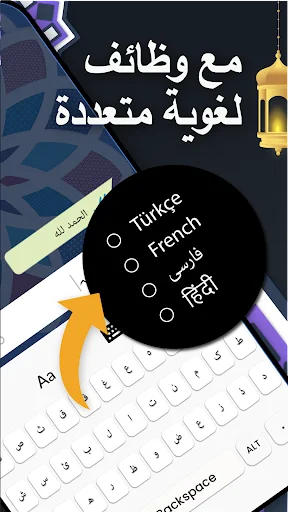
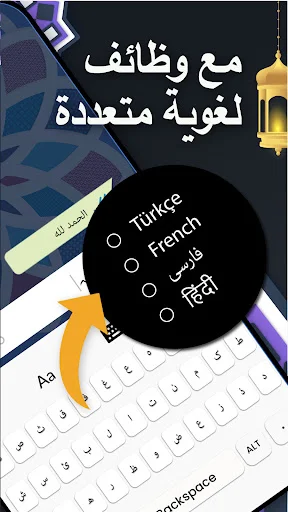
Switch Languages Instantly
Move between Arabic and English typing with one tap. No need to open settings or download separate keyboards – write in both languages during the same conversation without interruption.
Type Arabic With Harakat
Add diacritical marks and symbols to your Arabic text for accurate, clear writing. Perfect for learners, students, and anyone who needs proper Arabic text with full control over every detail.
Smart Typing Suggestions
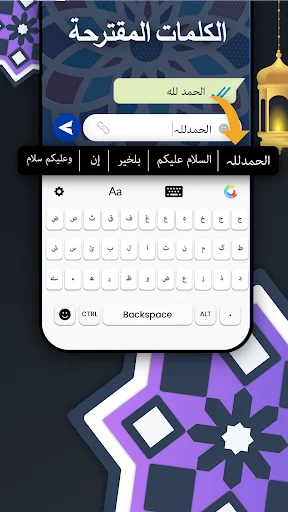
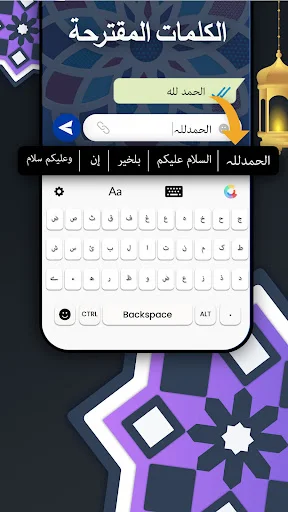
Get helpful word predictions as you type to write faster and make fewer mistakes. The keyboard learns your writing style and helps you complete sentences with less effort.
Works Without Internet
Type anytime, anywhere – no internet connection required. Keep your writing private and enjoy full keyboard functionality even when you're offline or traveling.
English Type Arabic Keyboard For Android - Type Arabic And English Easily!
English Type Arabic Keyboard For Android helps you write Arabic and English text from one simple keyboard. Switch languages, type messages, write notes, search in Arabic, and enjoy a smoother bilingual typing experience on your phone.
Jawi Keyboard For Android is useful for users who want a clean keyboard layout for Arabic-style writing needs. Arabic Typing App keeps daily typing simple, whether you are learning Arabic, writing to family, or creating longer text.
Main Features
- Type Arabic: Keyboard With Harakat - Write Arabic text with useful marks and symbols.
- English Type Arabic Keyboard For Android - Switch between Arabic and English typing easily.
- Jawi Keyboard For Android - Use a smooth keyboard for Arabic-script typing.
- Arabic Typing App - Type messages, emails, notes, and searches with less effort.
- Smart Suggestions - Get word help while writing faster and more accurately.
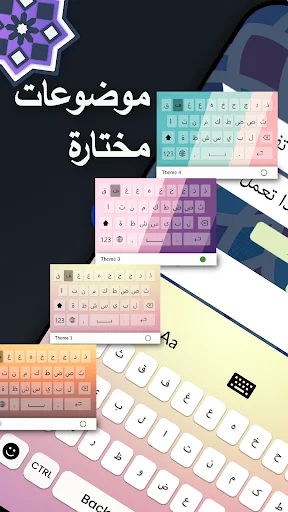
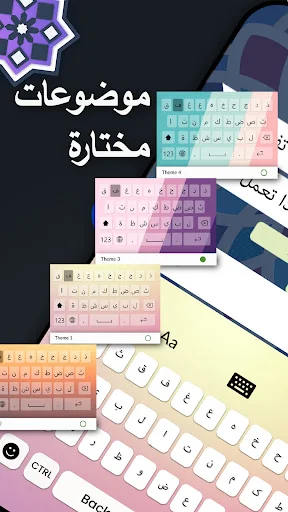
- Keyboard Themes - Choose a style that makes typing feel more personal.
- Offline Typing - Write anytime without needing internet access.
Write Text With A Smooth Keyboard!
Type Arabic: Keyboard With Harakat helps when you want more control over words, symbols, and typing details. It is helpful for learners, native speakers, students, travelers, and anyone who writes Arabic often.
English Type Arabic Keyboard For Android makes bilingual typing feel easier during daily communication. You can move from English words to Arabic script without digging through phone settings.
Jawi Keyboard For Android also supports users who need typing for personal, cultural, study, or communication needs. The layout stays simple, so you can focus on writing instead of searching for every letter.
How To Use
- Open Arabic Typing App and enable the keyboard.
- Choose English Type Arabic Keyboard For Android from your keyboard settings.
- Switch languages easily.
- Use Type Arabic: Keyboard With Harakat with letters and marks.
- Try Jawi Keyboard For Android when writing messages.
- Adjust themes and typing options to match your style.
Smart Typing For Messages, Notes, And Learning
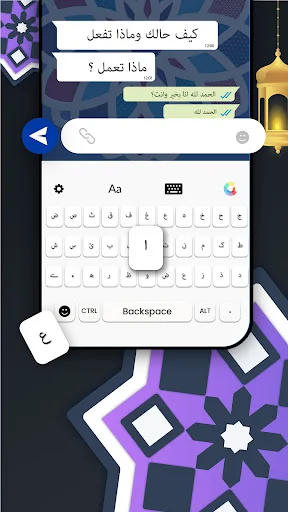
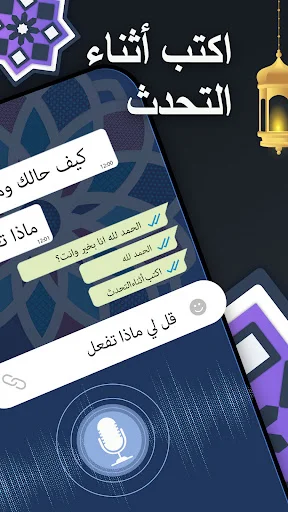
Arabic Typing App works well for messages, notes, documents, searches, and everyday writing. You can practice the language, write longer text, or communicate more naturally with a keyboard made for smooth typing.
Type Arabic: Keyboard With Harakat adds more detail when you need accurate writing. Smart suggestions, clean keys, and quick switching help make each sentence easier to complete.
English Type Arabic Keyboard For Android is also useful for bilingual users who move between both languages throughout the day. Jawi Keyboard For Android keeps the experience flexible for different writing habits.
Why Choose This App?
Arabic Typing App gives you a simple way to write Arabic on your phone without complicated steps. It is light, practical, and easy for beginners to understand.
Type Arabic: Keyboard With Harakat helps you express words more clearly when Arabic marks matter. With themes, offline typing, language switching, and a clean layout, this keyboard makes daily writing feel faster and more comfortable.
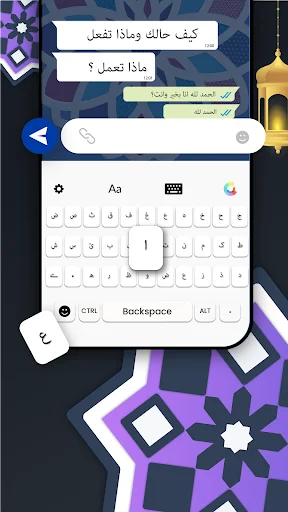
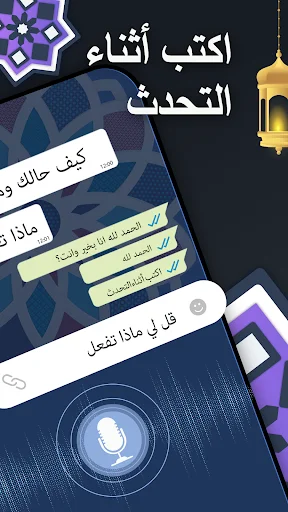
See How Simple Arabic Typing Can Be
Join Thousands of Happy Bilingual Typers
التطبيق جيد جدا بل ممتاز بل اكثر ويستحق اكثر من 1,000 نجمه فهو سهل الاستخدام وسريع وبسيط ويتمتع بخيارات عديده ويتيح للشخص الاختيار بحريه تامه وشكرا لصانع التطبيق وشكرا لكم واستمروا وانصح الجميع بتحميله ☺️
Nice and clear , including lots of options.
One of the best keyboard I used
Very very good. Infact perfect
It was good and nice
The best App ever