Create Beautiful Cut Machine Designs in Minutes
Turn your crafting ideas into professional designs without complex software. A simple, mobile-friendly design studio built specifically for makers who love their cutting machines.
Everything You Need to Design with Confidence
Start Creating Instantly
Choose from ready-made templates or build your design from scratch. No experience needed – just pick your starting point and begin customizing. Perfect for when inspiration strikes and you want quick, beautiful results.
Simple Yet Powerful Tools
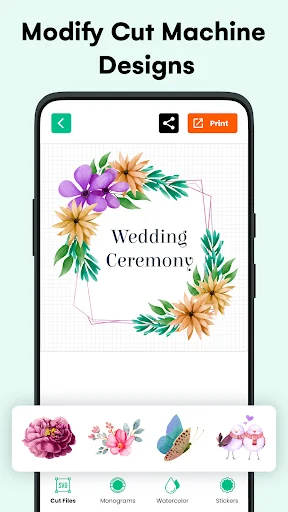
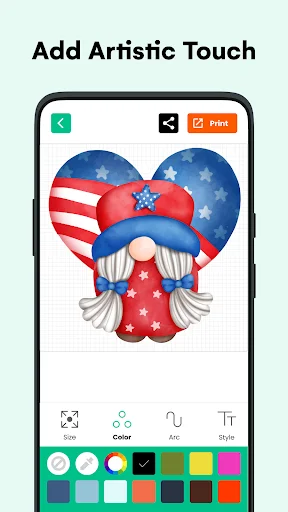
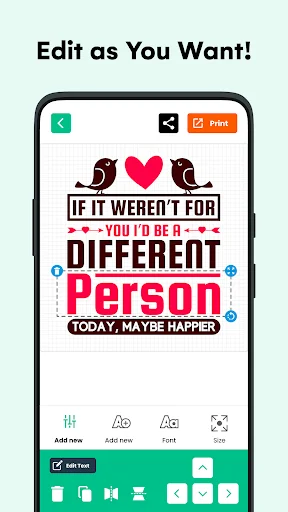
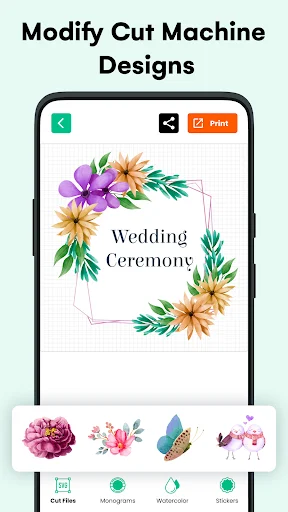
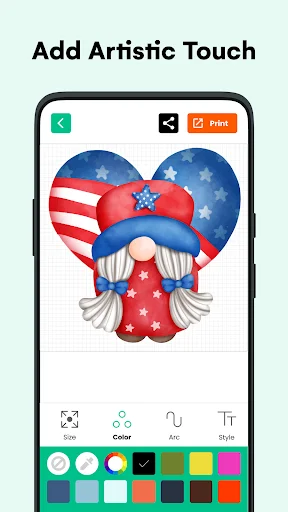
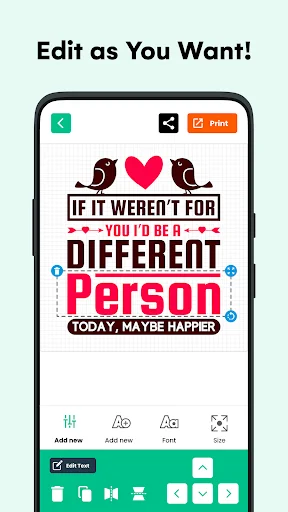
Customize every detail with easy controls for colors, layers, shapes, and stickers. Resize, rotate, and align like a pro without the learning curve. Your ideas deserve to look polished, and now they will.
Perfect Fonts and Monograms
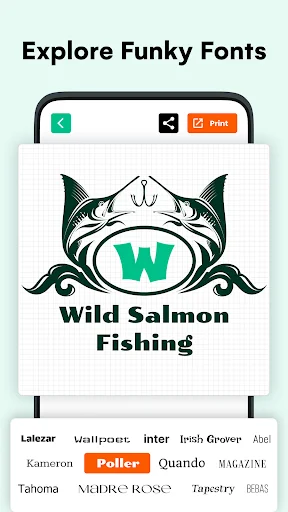
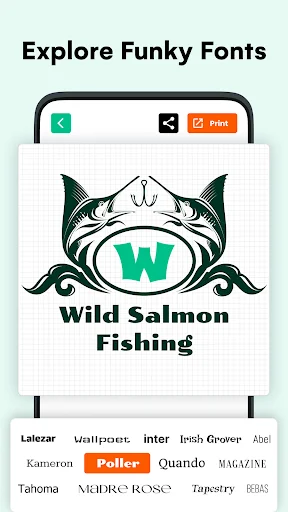
Access a growing library of fonts designed for cutting machines, plus specialized monogram tools for personalized gifts. Create stunning lettering for decals, tumblers, and custom projects without the guesswork.
Export for Any Machine
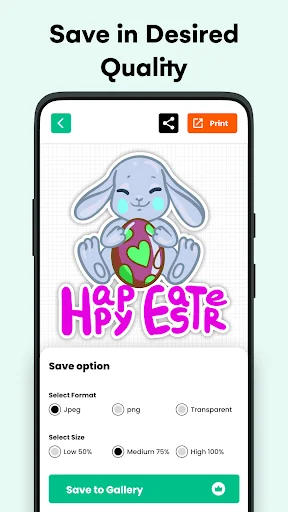
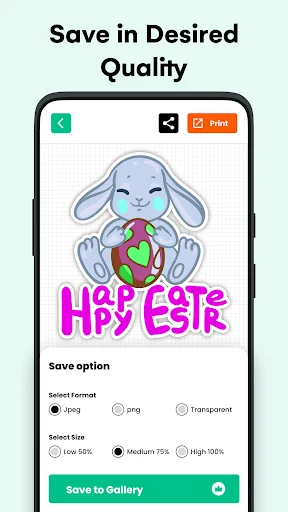
Save your designs in SVG, PNG, or JPG formats – ready for your cutting machine. One tap exports clean, high-quality files that work perfectly with your workflow, so you can go from design to cutting without hassle.
Design Studio for Cut Machine - DIY Projects
Turn ideas into beautiful crafts with a friendly SVG creator made for everyday makers. This SVG design app gives you a simple place to sketch, edit, personalize, and save artwork without feeling lost. From a quick cut design to a full design studio diy project, everything feels smooth, creative, and ready when inspiration hits.
Whether you are a beginner, a hobby seller, or a weekend studio designer, this workspace helps you build polished art in minutes. Use it as a monogram design app for gifts, labels, shirts, tumblers, cards, decals, and home décor. Need a font for cut machine projects or stylish fonts for cut machine lettering? Open the library, choose your favorite look, and start crafting.
Create, customize, and cut with confidence!
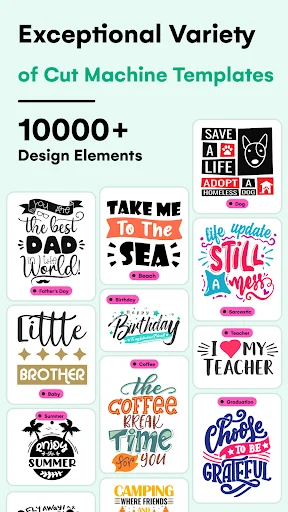
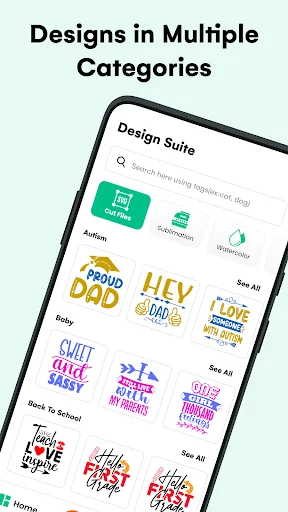
This cut machine design tool is built for people who want fast results without a complicated setup. Explore studio designs, shapes, stickers, monograms, cut files, and ready ideas inside one design studio for cut machine lovers. The SVG creator helps you prepare clean layouts, while the SVG design app keeps editing simple from the first tap.
- Start with ready-made templates or build your own cut design from scratch.
- Make every design studio diy project feel personal with colors, layers, shapes, and stickers.
- Work like a studio designer using easy tools for resizing, rotating, reshaping, aligning, and editing.
- Find a font for cut machine crafts and mix it with fonts for cut machine styles for bolder results.
- Use the monogram design app tools to create initials, names, badges, labels, and custom artwork.
- Save your cut machine design in SVG, PNG, or JPG and keep your favorite studio designs ready for later.
The app is also a handy design studio for cut machine users who want more freedom, more inspiration, and fewer steps. Instead of jumping between tools, you can plan a cut design, pick a font for cut machine lettering, test fonts for cut machine projects, and export your file from one creative space.
Love personalized gifts? Use the monogram design app to craft wedding signs, birthday decals, name stickers, classroom labels, and boutique-style products. The SVG creator makes it easier to turn your idea into a clean file, and the SVG design app gives every design studio diy session a relaxed, hands-on feel.
Designed for makers, crafters, and small shops!
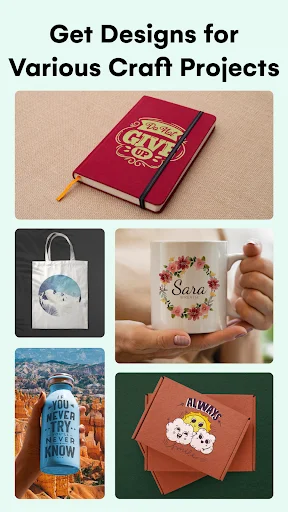
Build cut machine design projects for vinyl, paper crafts, stickers, sublimation ideas, wall art, and more. Browse studio designs when you need a spark, then adjust the details until the result feels like yours. Even if you have never used a design studio for cut machine projects before, the simple controls help you move from idea to finished artwork with confidence.
Every studio designer feature is arranged to keep your workflow clear, so you can focus on the fun part: making something that feels truly yours.
- No professional experience needed.
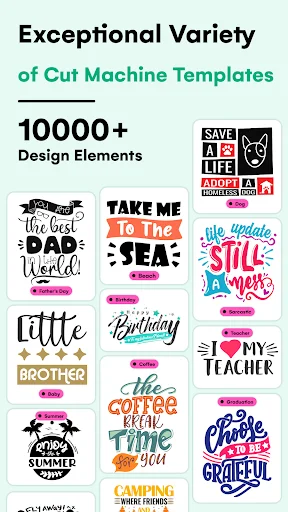
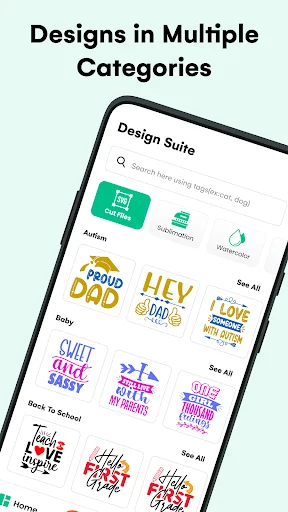
- A growing library of ideas, shapes, monograms, cut files, and creative assets.
- Quick export options for high-quality DIY projects.
- Smooth editing tools that keep your workflow light and enjoyable.
Your next project deserves a tool that feels creative, not confusing. Download now and enjoy a practical SVG creator, a flexible SVG design app, and a complete design studio diy experience made for real makers. Create your next cut design, grow your collection of studio designs, work as your own studio designer, use a fresh font for cut machine crafts, try new fonts for cut machine lettering, build a monogram design app workflow, finish every cut machine design, and keep one reliable design studio for cut machine on your phone. Start creating today and bring your ideas to life!
See How Easy Designing Can Be
Join Thousands of Happy Makers
This has to be the best app to use with cricut, there are a lot out there that look the same but don't be fooled, I mean If you want to try something else it's ok but you must download this one and you'll see what I mean, maybe a few more free fonts but everything else is great!
People like me find design templates for Cricut from different sources to bring perfection to our design project. However, the design maker app has become an all in one solution for me. I find everything related to Cricut design studio here easily, 10/10 from my side.
Designing a DIY project on Cricut design studio can become a headache if you run out of ideas. However, this app offers right design templates including cut files and sticker options to work on. I have been using it for quite a time and it has never disappointed me.
This app has been life changing for me. No more cracking my head trying to be creative, everything is done and ready to go. Would recommend every chance I get!
Love this all. It's nice because it syncs with my computer so if I start something on my phone I can finish it on my computer
This is an awesome app, I can do the design from anywhere and then print when I get home