Share Your Phone Screen on Any TV
Mirror videos, photos, and presentations wirelessly in HD. Connect in seconds and enjoy your phone content on the big screen – no cables, no hassle.
Everything You Need for Easy Screen Sharing
Wireless Mirroring Made Simple
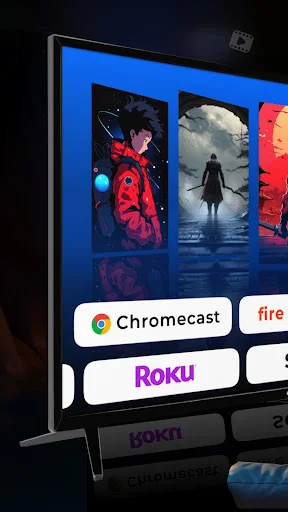
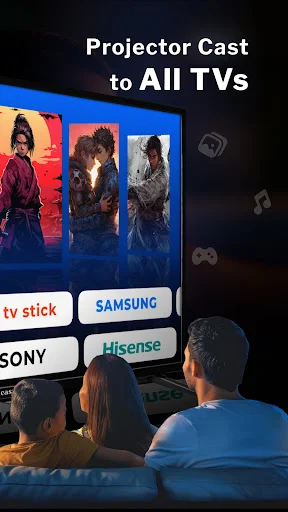
Connect your phone to any compatible display in just a few taps. No cables to untangle, no complicated setup steps. Just open the app, select your screen, and start sharing instantly.
Crystal Clear HD Quality
Watch videos, view photos, and show presentations in sharp, high-definition quality. Your content looks professional and clear on the big screen, perfect for any occasion.
Perfect for Every Moment
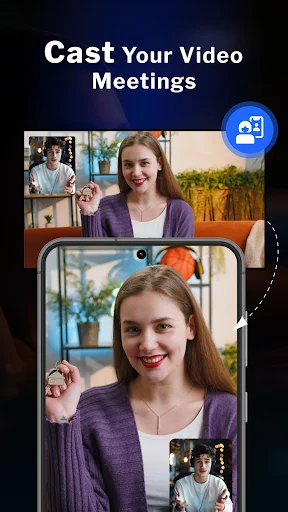
Share family memories during gatherings, present work ideas in meetings, or teach lessons in class. One app handles entertainment, work, and education with equal ease.
Control Everything From Your Phone
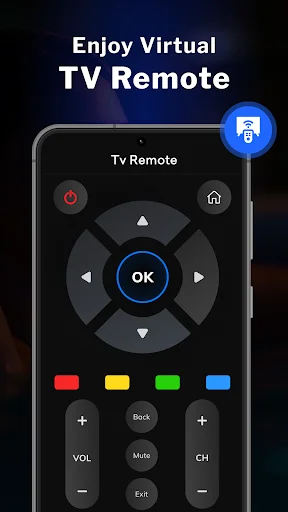
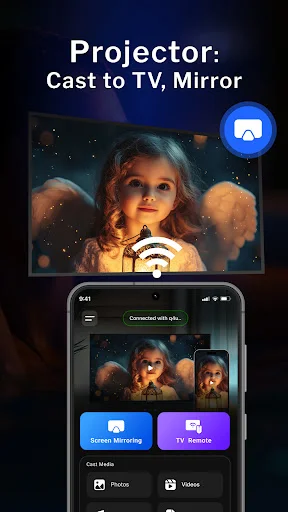
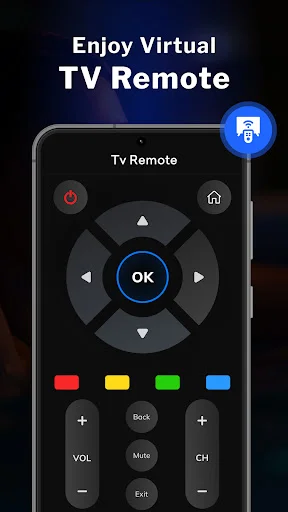
Manage playback, adjust volume, and control what appears on screen without leaving your seat. Your phone becomes a smart remote for your entire viewing experience.
HD Projector Simulator: Screen Mirroring App - Share Your Phone Screen Easily!
HD Projector Simulator: Screen Mirroring App helps you view your phone screen on a bigger display for videos, photos, lessons, meetings, and everyday sharing. Open the app, connect to a compatible screen, and enjoy a larger view without a messy setup.
HD Projector App: All Share Cast To TV gives you a simple way to send phone content to a larger screen. Use it when you want to show family photos, watch saved videos, present ideas, or share something from your phone more comfortably.
HD Projector: Video Share Screen is useful when a small phone display feels too limited. It helps make viewing smoother when you want more space for entertainment, study, or work.
Main Features
- Screen Sharing: Phone Projector App - Mirror your phone screen on a compatible display.
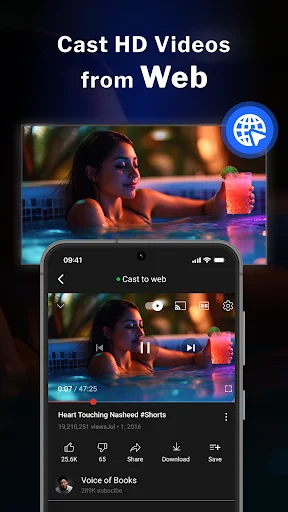
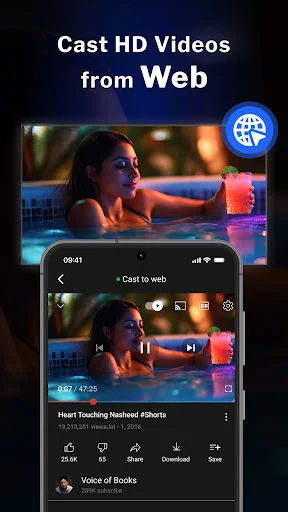
- HD Video Projector Simulator: Mirror Cast - Share videos, photos, and screen content in a bigger view.
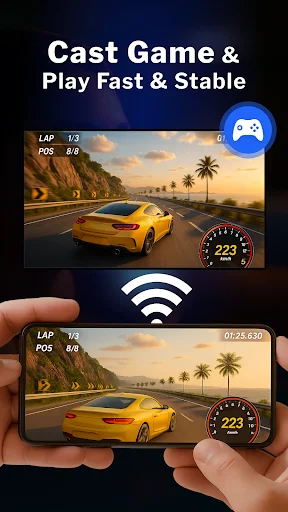
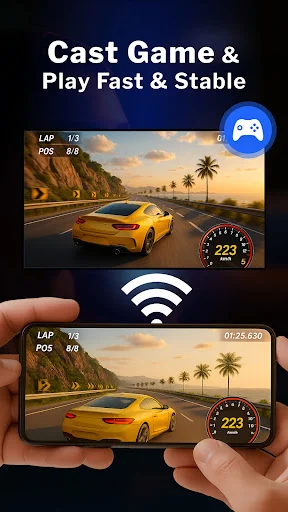
- Screen Casting To TV - Connect and cast phone content with simple controls.
- HD Projector Simulator: Screen Mirroring App - Enjoy easy screen mirroring for daily use.
- HD Projector App: All Share Cast To TV - Share media, presentations, and phone activity.
- HD Projector: Video Share Screen - Display videos and visual content with clear screen sharing.
- Smart Controls - Manage playback, volume, and screen viewing from your phone.
Mirror Photos, Videos, Lessons, And Presentations!
Screen Sharing: Phone Projector App works well when you want to show something to more than one person. Instead of passing your phone around, you can mirror your screen and make the moment easier to see. HD Video Projector Simulator: Mirror Cast helps with movie nights, class notes, tutorials, travel pictures, and work content. It gives your phone screen more room to breathe.
Easy Usage
Screen Sharing: Phone Projector App gives you a flexible tool for live mirroring and quick sharing. It can help you share content without cables, extra confusion, or long setup steps. Screen Casting To TV is also helpful for quick sharing at home or during group moments. You can turn a small screen into a more comfortable viewing setup in just a few steps.
How To Use
- Open HD Projector Simulator: Screen Mirroring App on your phone.
- Make sure your phone and compatible display are ready to connect.
- Choose HD Projector App: All Share Cast To TV to start sharing.
- Use HD Projector: Video Share Screen for videos, images, or screen content.
- Tap the mirror or cast option and wait for the connection.
- Try Screen Sharing: Phone Projector App when you want a larger live view.
- Use Screen Casting To TV whenever you need simple wireless sharing.
Smart Sharing For Work, Study, And Entertainment
HD Projector Simulator: Screen Mirroring App is also useful for teaching, family gatherings, office tasks, and casual viewing. It gives you a quick way to make phone content easier to enjoy. HD Projector: Video Share Screen helps make visual content easier to watch on a larger display. It is a practical choice when photos, videos, and phone screens need more room.
Why Choose This App?
HD Projector App: All Share Cast To TV keeps screen sharing simple for users who want fast setup and clear controls. You can use it for home entertainment, office sharing, study sessions, and daily media viewing. HD Video Projector Simulator: Mirror Cast adds comfort when you want a bigger screen experience from your phone. It works for relaxed viewing, useful presentations, and simple screen sharing
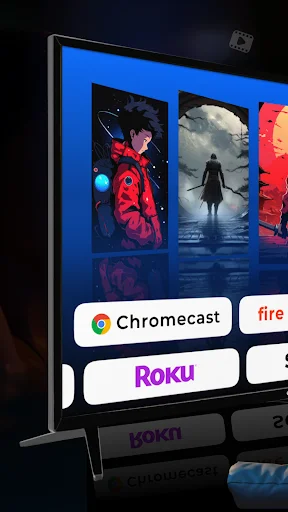
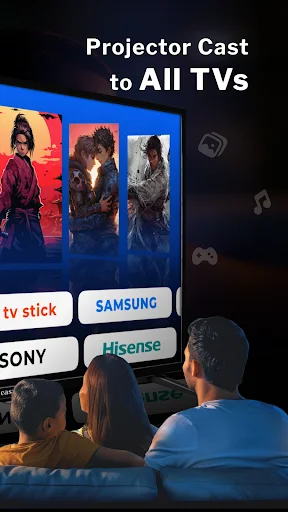
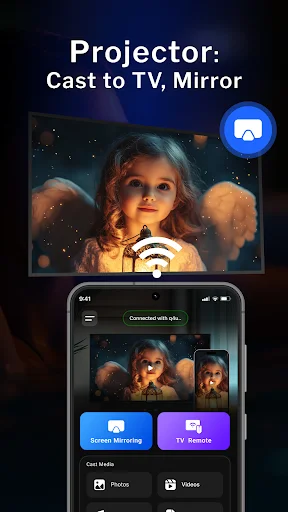
See How Easy Screen Sharing Can Be
Join Thousands Enjoying Big Screen Viewing
This app allows me to interact with these memories in a powerful and new way. organization is key because it allows you to present photo and video in a meaningful way. There is no better way relieve experience than at dinner parties or when you have friends over and you can throw them up on the big screen.
nice app without any ads...