Turn Your Phone Into a Microphone
Transform your Android phone into a powerful microphone system with any Bluetooth or AUX speaker. Perfect for presentations, announcements, and karaoke nights – no expensive equipment needed.
Everything You Need for Voice Amplification
Your Phone, Your Mic
Stop carrying bulky microphones or spending money on expensive audio equipment. Use the device already in your pocket to amplify your voice through any compatible Bluetooth or AUX speaker.
Crystal Clear Sound Control
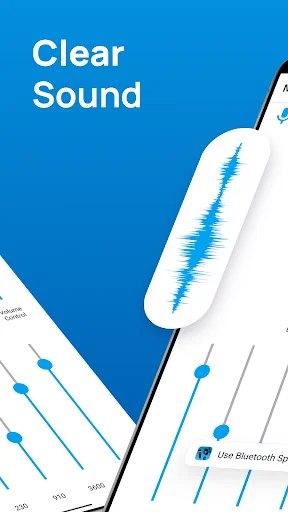
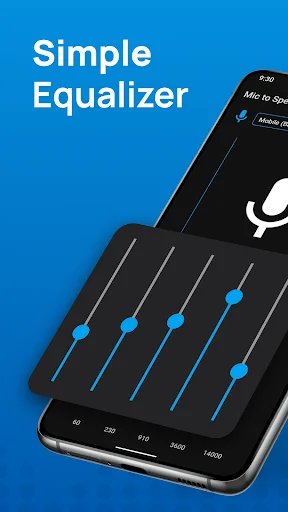
Adjust volume and fine-tune the built-in equalizer to match your voice and environment. Get professional-quality sound whether you're presenting to a classroom or singing with friends.
Ready for Any Occasion
Make classroom announcements, deliver presentations, host events, or enjoy casual karaoke sessions. One versatile app handles all your voice amplification needs.
Connect and Start Instantly
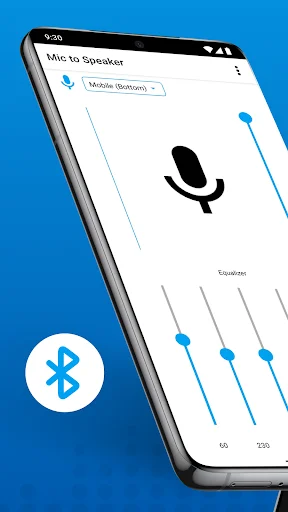
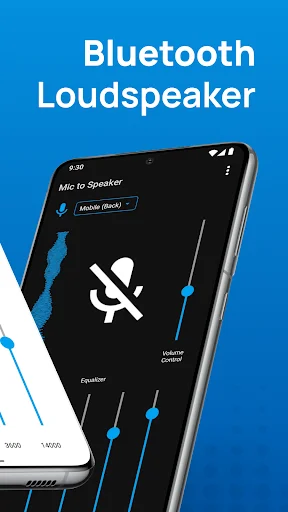
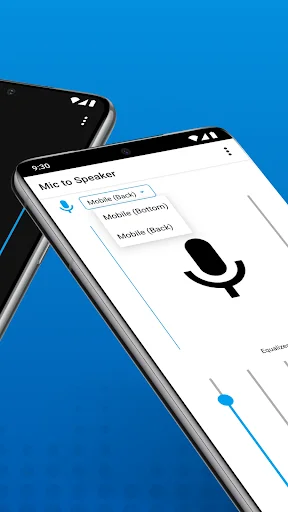
Pair your phone with your speaker, open the app, and start speaking. Simple controls let you mute when needed and switch between available microphone inputs on your device.
What is Live Mic to Bluetooth Speaker?
Use your Android phone's microphone to send your voice to a compatible speaker. This live microphone app supports Bluetooth speakers and supported AUX audio connections, giving you a phone-based setup for announcements, presentations and casual karaoke singing.
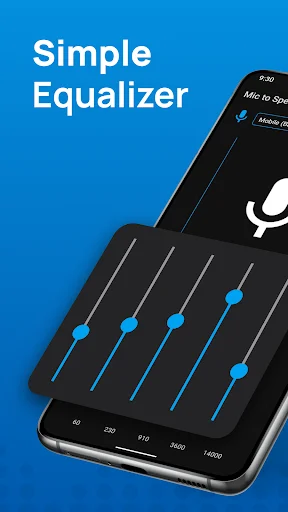
Adjust the volume and built-in equalizer to suit your voice and the connected audio equipment.
Who is Live Mic to Bluetooth Speaker for?
It is for people making a short announcement, speaking during a class or group presentation, or singing with friends. Use it when you have a compatible speaker and want to speak into your phone rather than use a separate handheld microphone.
What does Live Mic to Bluetooth Speaker do?
- Send live sound from the phone microphone to supported audio output equipment.
- Use a compatible Bluetooth speaker or a supported AUX connection.
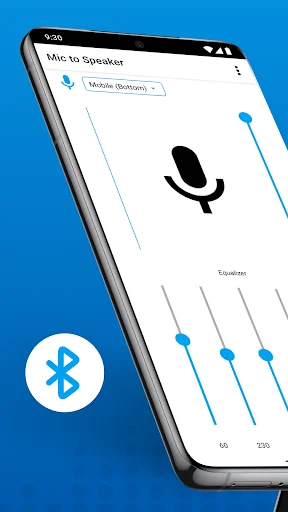
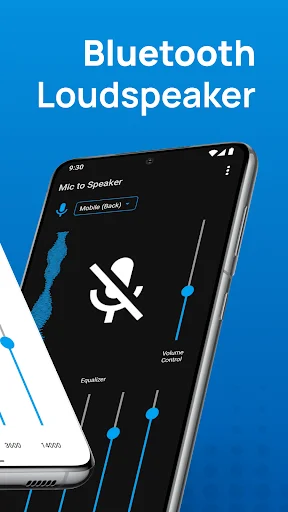
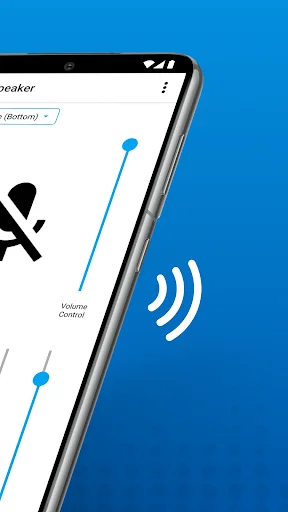
- Adjust the volume control and equalizer sliders to change the sound.
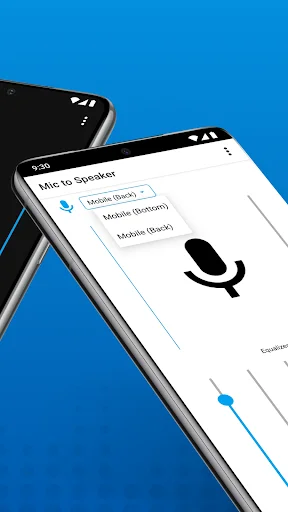
- Select an available phone microphone input, such as the bottom or back microphone on supported devices.
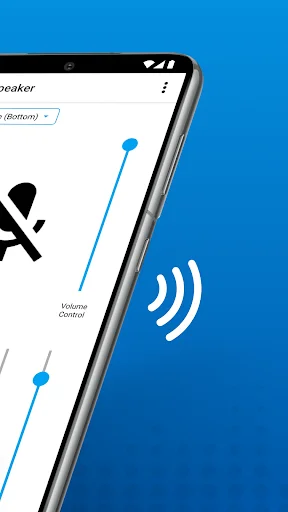
- Use the microphone control to mute or resume your voice output.
How does Live Mic to Bluetooth Speaker work?
Connect the phone to your compatible speaker using Bluetooth or the supported wired audio connection. Open the app and allow microphone access so it can capture your voice.
Choose an available microphone input, activate the mic and speak into the phone. Start with a low volume, then adjust the level and equalizer while checking the sound from the speaker. Mute the microphone when you want to pause.
Compatibility and requirements
You need a working phone microphone and compatible audio equipment. An AUX setup requires a supported audio output connection and the appropriate cable or adapter. The available microphone inputs depend on the phone.
Bluetooth audio can introduce a delay between speaking and hearing your voice. Volume, clarity and delay depend on the phone, speaker, connection and surroundings. Test your setup before a presentation or singing session, especially when timing matters.
Keep the microphone away from the speaker and reduce the volume if you hear feedback or echo.
The app contains ads and offers in-app purchases.
Live Mic to Bluetooth Speaker combines live voice output and simple sound controls for a compatible phone-and-speaker setup.
See How Simple It Is
Join Over 5 Million Users Worldwide
Simple & easy to use . Initially volume was low and echo was there, volume issue was solved after removing the mobile phone cover and the echo was solved by going into another room .. there is a slight delay though .. but nevertheless not that big of an issue
Some skill required to keep it on in background while recording on Dolby On. Works with Karoke system too, provided one has split Screen Multitasking available, else 2 devices required EXCELLENT APP
I never had any Idea that this is possible. you speak on your mobile, the audience will hear on the music system.Fantastic app. No need to have a seperate microphone.
I am a DJ player my mic is suddenly repair at the time of event. This app is really use to relieve from the stuck situation. Thank for the app developers....
my bluetooth speaker's microphone was not working,so that I was finding an app for using it like my mic.this is so useful app and I can sing perfectly.thanks
Only app that I have found that successfully transmits sound from the TV loud enough for me (a deaf person) to hear via Bluetooth headphones.