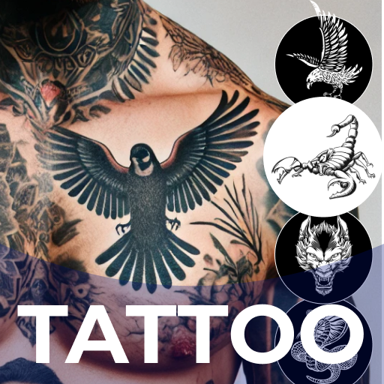
See Your Tattoo Before It's Permanent
Upload your photo and try hundreds of tattoo designs on your own body. Adjust size, placement, and color to make confident decisions about your ink – with zero commitment and zero regret.
Everything You Need to Choose with Confidence
Visualize on Your Body
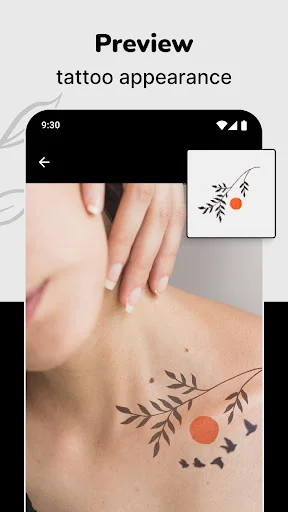
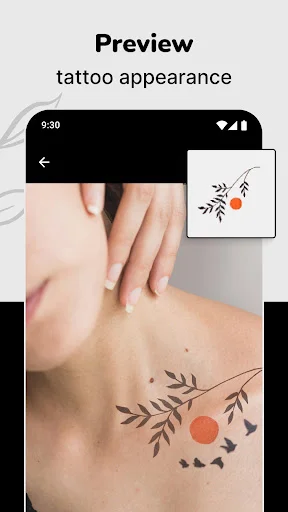
See exactly how any tattoo looks on your skin, not a generic model. Upload your photo and preview designs on the actual body area you're considering, so you know it's right for you.
Browse Hundreds of Designs
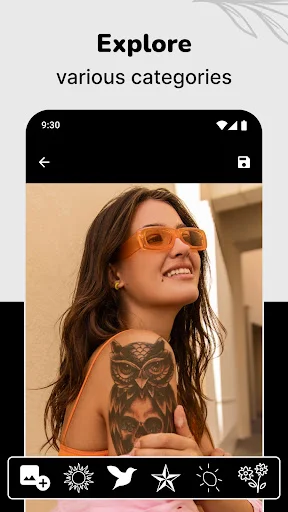
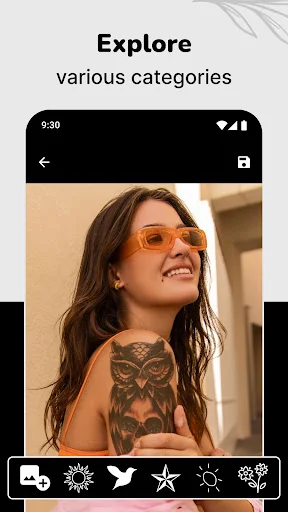
Explore a diverse collection of preinstalled artwork, from delicate minimalist symbols to bold tribal motifs. Find the perfect style that matches your vision and personality.
Customize Every Detail
Adjust size, position, rotation, color, and brightness until it's perfect. Fine-tune your preview to match exactly what you want, ensuring you love the result before committing to permanent ink.
Experiment Without Risk
Try countless placements and styles without fear of regret. Test different ideas, compare options side by side, and make your final decision with complete confidence.
What is Tattoo Simulator Tattoo Maker?
An Android tattoo photo editor for trying designs on your own pictures. Choose a tattoo, place it on a photo, and adjust its appearance to explore an idea before committing to permanent ink.
Use a tattoo preview to consider how a design's size, position, and direction work together on the body area shown in your picture.
Who is Tattoo Simulator Tattoo Maker for?
For people considering their first tattoo, exploring another design, or experimenting with a different look in a photo. Try a minimal symbol or a bold tribal style and see which direction suits your idea.
It also helps when you have a placement in mind but want to explore the scale and orientation visually. Make a small adjustment, look at the result, and continue refining your photo edit.
What does Tattoo Simulator Tattoo Maker do?
- Explore tattoo designs: Browse preinstalled artwork, including minimalist symbols and tribal motifs.
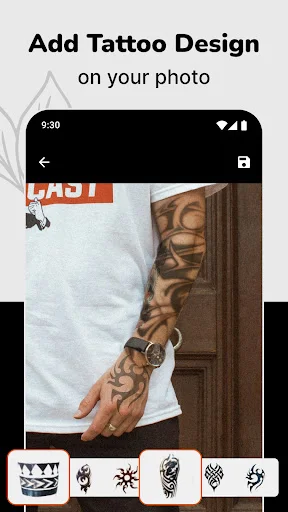
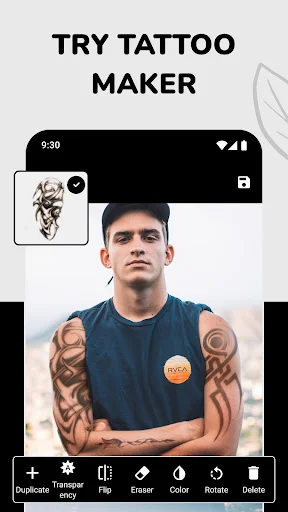
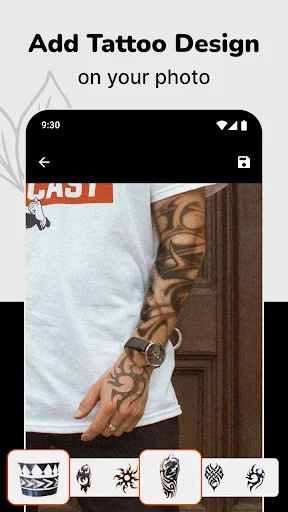
- Add tattoos to photos: Place a selected design on your picture to create a digital try-on.
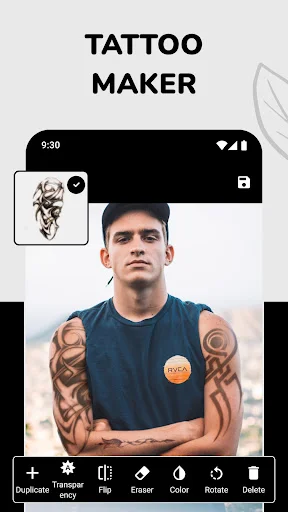
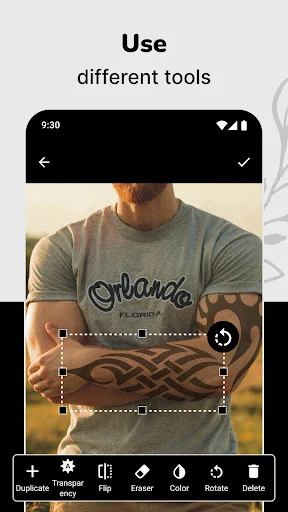
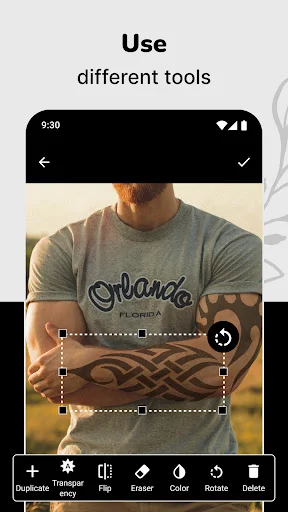
- Adjust size and orientation: Change the scale and direction to explore different placements.
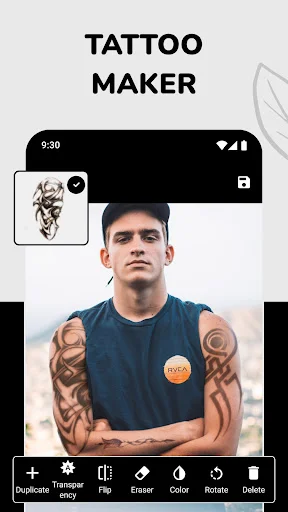
- Refine shape: Adapt the selected design to the area shown in your photo.
- Change color and saturation: Explore a different tone or adjust the intensity of the design.
- Adjust brightness: Fine-tune how light or dark the tattoo appears in the image.
- Use the eraser: Refine the applied design with the editing tool.
The tattoo simulator lets you explore the appearance of an idea through photo editing. You can work with the supplied designs and adjust the result around the look you want to preview.
How does Tattoo Simulator Tattoo Maker work?
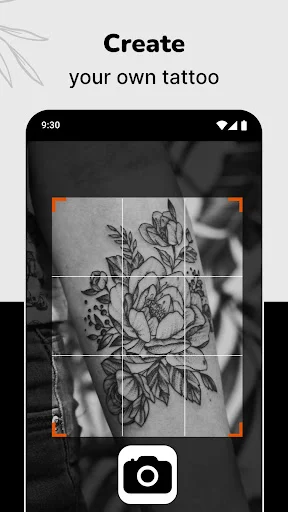
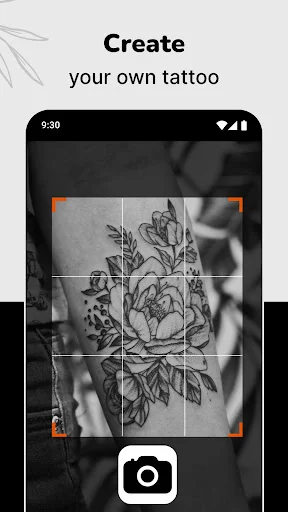
Start with a photo of the area where you want to preview a tattoo. Choose a design from the available collection, position it on the picture, and adjust the size and orientation.
Refine the shape, color, saturation, and brightness while checking the preview. Use the eraser when you want to refine the applied design, then review how the placement works in your photo.
Compatibility and requirements
This app is available for Android and uses photos for tattoo previews. Results are digital photo edits, rather than a guarantee of how a real tattoo will look. The app contains ads and offers in-app purchases.
Privacy
The app may collect and share app information and performance data, along with device or other identifiers.
Tattoo Simulator Tattoo Maker helps you explore tattoo designs and placement on your own photos before deciding on permanent ink.
About Permissions:
- Read Media Images: Allows an application to read image files from external storage.
- Camera: Required to be able to access the camera device.
See the App in Action
Trusted by Over 5 Million Users
Basically a once off use, unless you're in the industry, or regularly help people decide where to get tattoos, quite linear, but practical enough to get a good sense of where to place tattoos. I'm getting a new piece done on my chest, and having the app allowed me to check the orientation of the tattoo, vs visibility, when wearing different shirt, because my workplace has rules. TL;DR Overall the app achieved my intended purpose, for it, I could decide on a location and orientation of a tattoo.
Great app. It's really good to visualize what a tattoo will look like before you get it and this app makes it really easy.
You can upload a photo of your body part, then add a custom pattern. Very easy to use. Very good app. V helpful!
Best app.... and I have tried many... great transparency and easy to use your own photos as well
this really helps you figure out what your future tattoo will look like on you
Honestly quite an incredible and simple app for exactly what it's intended.