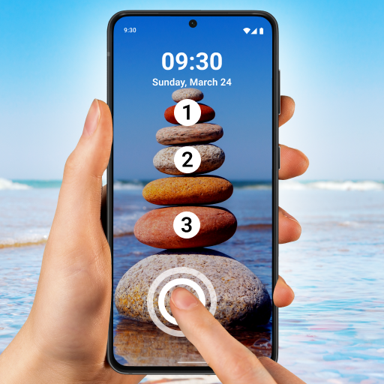
Secure Your Phone with Style and Privacy
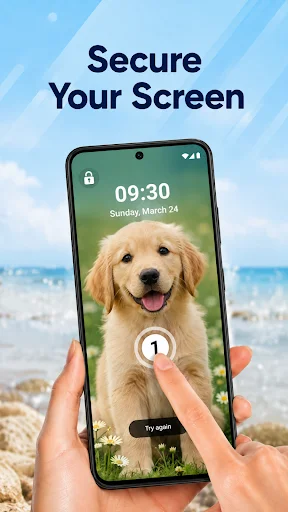
Transform your phone security with personalized touch protection. Set a unique password using custom images and touch positions that only you know – making your device both beautiful and secure.
Why Choose Touch Lock Screen Photo?
Unique Touch Password Protection
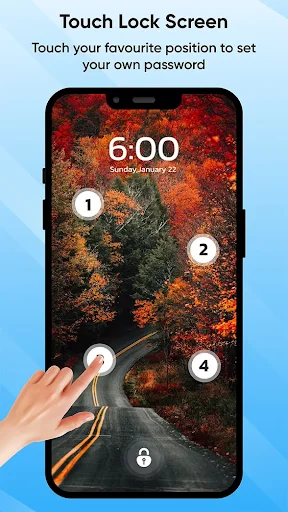
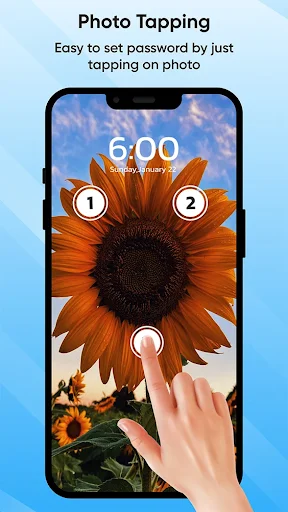
Set a secure password by selecting 2 or 4 specific positions on your chosen image. This creative security method ensures only you can unlock your device, protecting your personal information from prying eyes.
Your Photos, Your Security
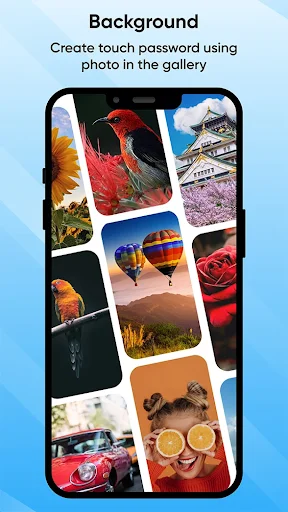
Make security personal by choosing any image from your gallery or capturing a new photo with your camera. Display your favorite memories, loved ones, or inspiring images while keeping your phone protected.
Never Get Locked Out
Forgot your touch password? No problem. Set up a backup PIN recovery password during setup so you can always regain access to your device without losing your data or security settings.
Customize Every Detail
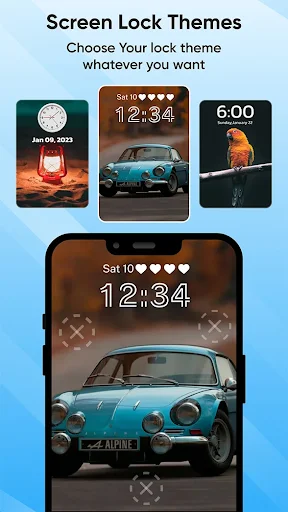
Choose from a wide range of themes and control your security experience with sound and vibration options. Tailor your lock screen to match your style and preferences perfectly.
Touch Lock Screen Photo: Your Ultimate Mobile Security Companion!
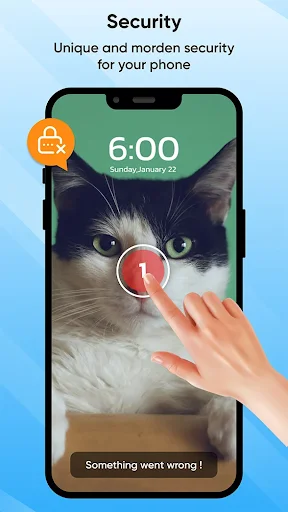
Concerned about keeping your mobile device secure? Look no further! Introducing Touch Screen Lock Photo, the modern lock designed for mobile security. With this amazing app, you can protect your phone with a touch password, ensuring your sensitive information stays safe and secure.
Key Features of Touch Screen Lock:
- Touch Lock Screen Protection
- Select Images from Gallery or Camera
- Set Touch Lock Password in Two or Four Positions
- Recovery Password (PIN Password) Option
- Enable/Disable Sound and Vibration
- Wide Range of Themes Available
Touch Lock Screen Protection:
Say goodbye to traditional passcodes and embrace the future of mobile security with Touch Lock Screen Photo. This finger lock screen app allows you to set a touch password, utilizing the unique patterns of your fingertips for enhanced protection. With options to select images from your gallery or capture new ones with your camera, you can personalize your phone for added security.
Finger lock screen: Select Images from Gallery or Camera:
Express your creativity and personalize your phone. Choose from various images in your gallery or capture new ones with your device's camera. Make your finger lock screen yours, whether it's a memorable photograph or a favorite wallpaper.
Enjoy Added Security On Your Phone With Just A Few Taps
Secure your phone with style and safety. Set a PIN code for added certainty and choose a theme of your liking!
Set Touch Password in Two or Four Positions:
Customize your security settings easily by setting a touch password in two or four selected positions. This unique feature adds a layer of security to your device, ensuring that only you can access its contents.
Recovery Password (PIN Password) Option:
Did you forget your Touch Screen Lock password? No need to worry! Touch Lock Screen Photo offers a recovery password option to set a PIN password as a backup. With this Fingerprint Lock Screen feature, you can regain access to your device even if you forget your touch password.
Fingerprint Lock Screen With Sound and Vibration:
Tailor your security experience to your preferences with the option to enable or disable sound and vibration. Touch Screen Lock gives you full control over whether you prefer a silent and discreet screen or an audible confirmation of your security measures.
See Touch Lock Screen in Action
Join Over 10 Million Protected Users
Uhm to be honestly speaking with everyone at first I thought the app was fake like just not working, until I realized that it's very very very sensitive OMG it's really the exact point you placed your finger🤞🏽 It really works 🤣 you just have to be a mental expert so as not to misplace or forget a particular point ❤️
I love this app, it will save me from people who easily touch my phone anyhow, this app is a wonderful and great app, kudos to the Investors of the app
It really help me a lot by locking up my device so no one can unlock it 😊😊😊😊 I'm so glad to come across this useful app 😁😁😁😁
Very interesting app with fantastic features. Infact you deserve the 5 stars and kudos to you developers.
It looks very good for keeping a safe screen lock so easly, on the screen sensor, than at the backside.
this app is very nice 👍 good app no money this is free app good app I like you app. Touch lock screen